You recorded the moment. Now the clip is too long, the file is too big to send, and the voice note needs a cleaner start. Most people give up here, or juggle three different apps to fix it.
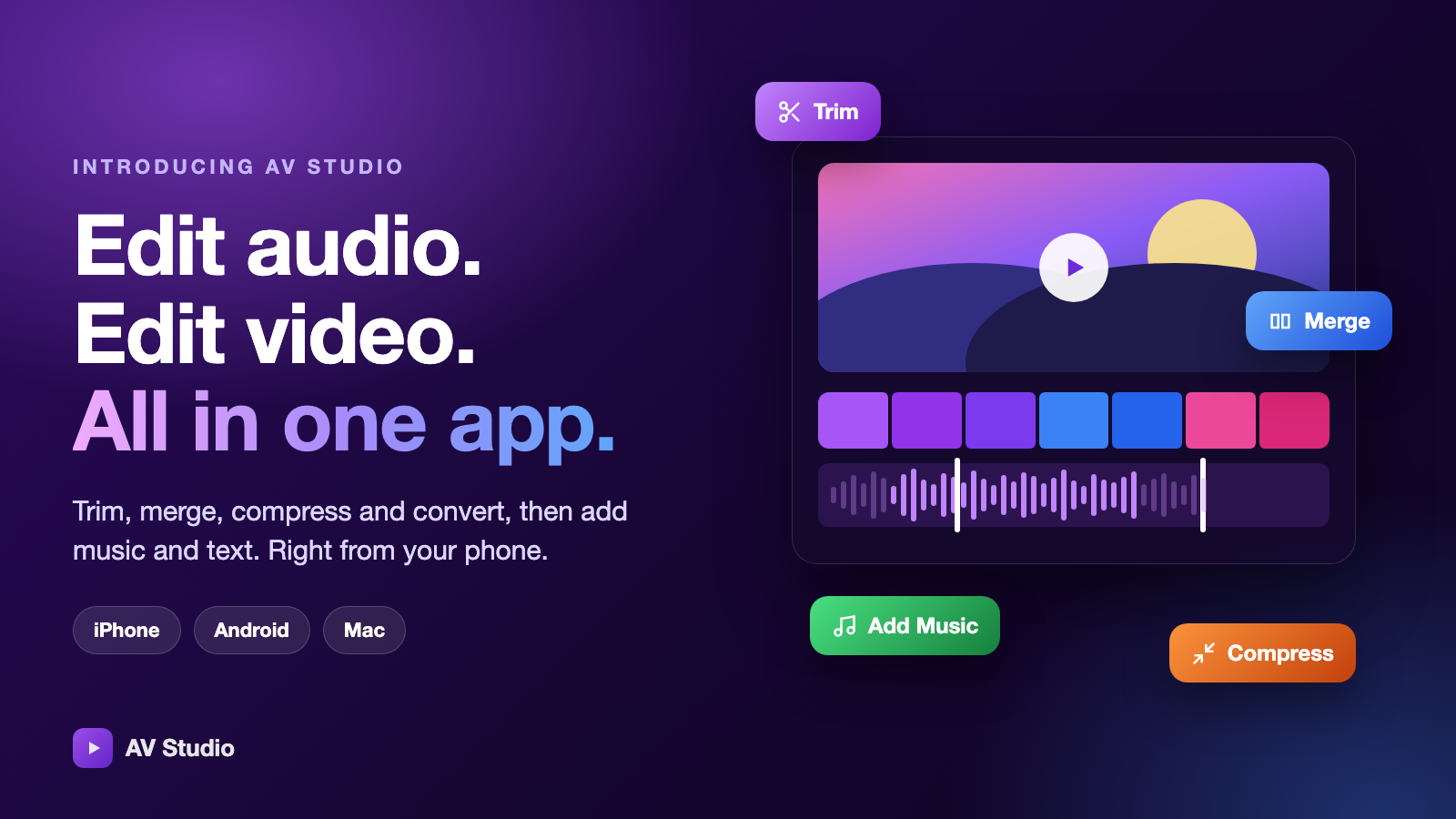
AV Studio puts every one of those fixes in one place. Trim, merge, compress and convert your audio and video, then add music, text and finishing touches, all from your phone. No watermark, no subscription and no complicated start.
What is AV Studio?
AV Studio is an all-in-one audio and video editor. It is free to download on iPhone, Android and Mac, and it works offline, so you can edit wherever you are.
The idea is simple: edit audio, edit video, all in one app. Whether you need a shorter recording, a joined video or a new soundtrack, you start in the same place.
What you can do with AV Studio
Video tools
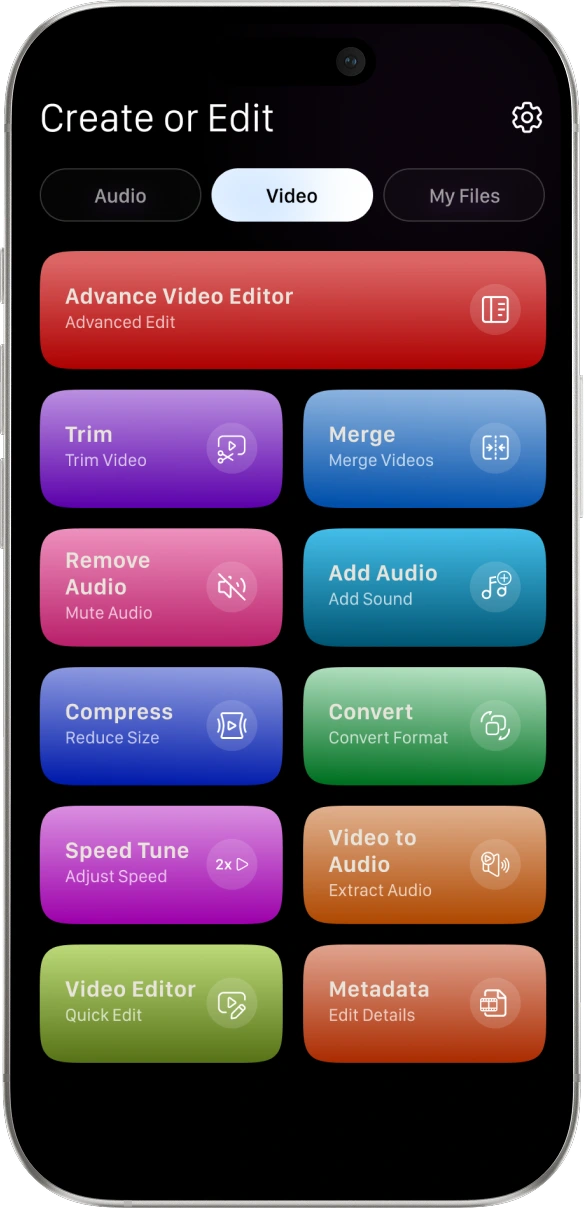
- Trim: remove unwanted footage and keep the moments that matter. Trim the start or end, or split and remove clips.
- Merge: join multiple clips into one finished video instead of sending separate files. Reorder your footage as you go.
- Compress: reduce file size when a video is too big to store or send, then review the result before you share it.
- Remove Audio and Add Audio: drop the original sound and add music, audio or a voiceover in its place.
- Advanced Video Editor: add text and annotations, crop, rotate, adjust colours, and apply filters, blur and emojis.
- Speed Tune: change the speed of your clip.
- Video to Audio: pull the sound out of a video and keep it as an audio file.
- Convert: change your video to a supported format for your next task.
Audio tools
- Trim and Merge: cut recordings down to what you need, or join several into one.
- Compress: make audio files smaller and easier to share.
- Convert: save your audio in the format you need.
- Advanced Audio Editor: shape your sound with more control.
- Metadata: edit the details stored with your audio and video files.
From first edit to ready to share
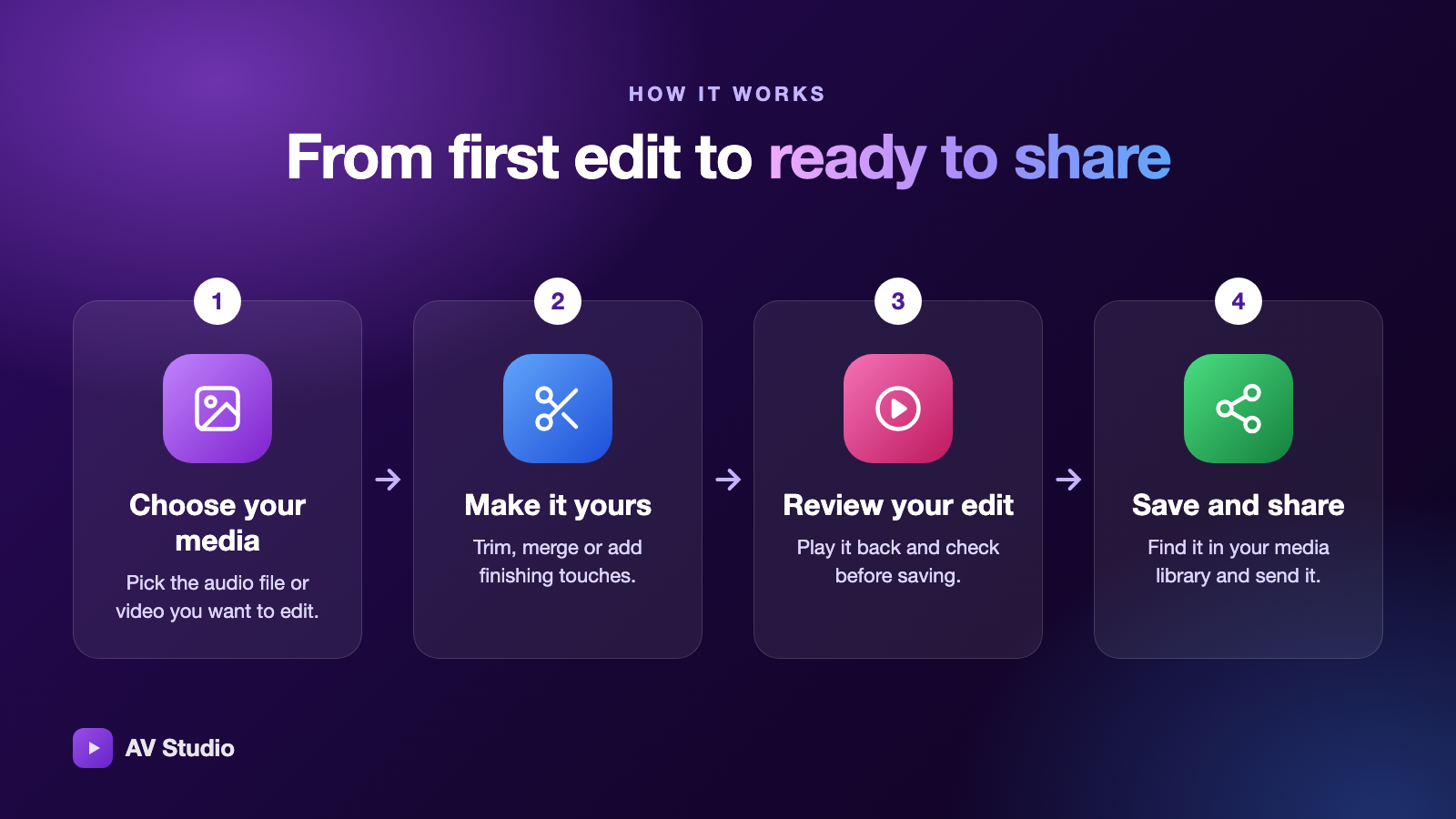
Every edit in AV Studio follows the same four steps:
- Choose your media. Pick the audio file or video you want to edit.
- Make it yours. Trim, merge or add finishing touches with the tools you need.
- Review your edit. Play it back and check the result before saving.
- Save and share. Find your edited file in the media library and share it.
Who is AV Studio for?
Anyone who wants to make room for the content they actually want to create. A few everyday examples:
- YouTube creators: join your recorded clips and add a voiceover that explains what’s happening.
- Personal videos: keep your favourite moments from a trip or a birthday and remove the footage you don’t need.
- Social posts and short videos: trim a clip, add text and get it ready for your next post.
- Small businesses: turn quick product clips into videos ready to share with customers.
Why choose AV Studio?
AV Studio gives you the tools you need without a complicated start.
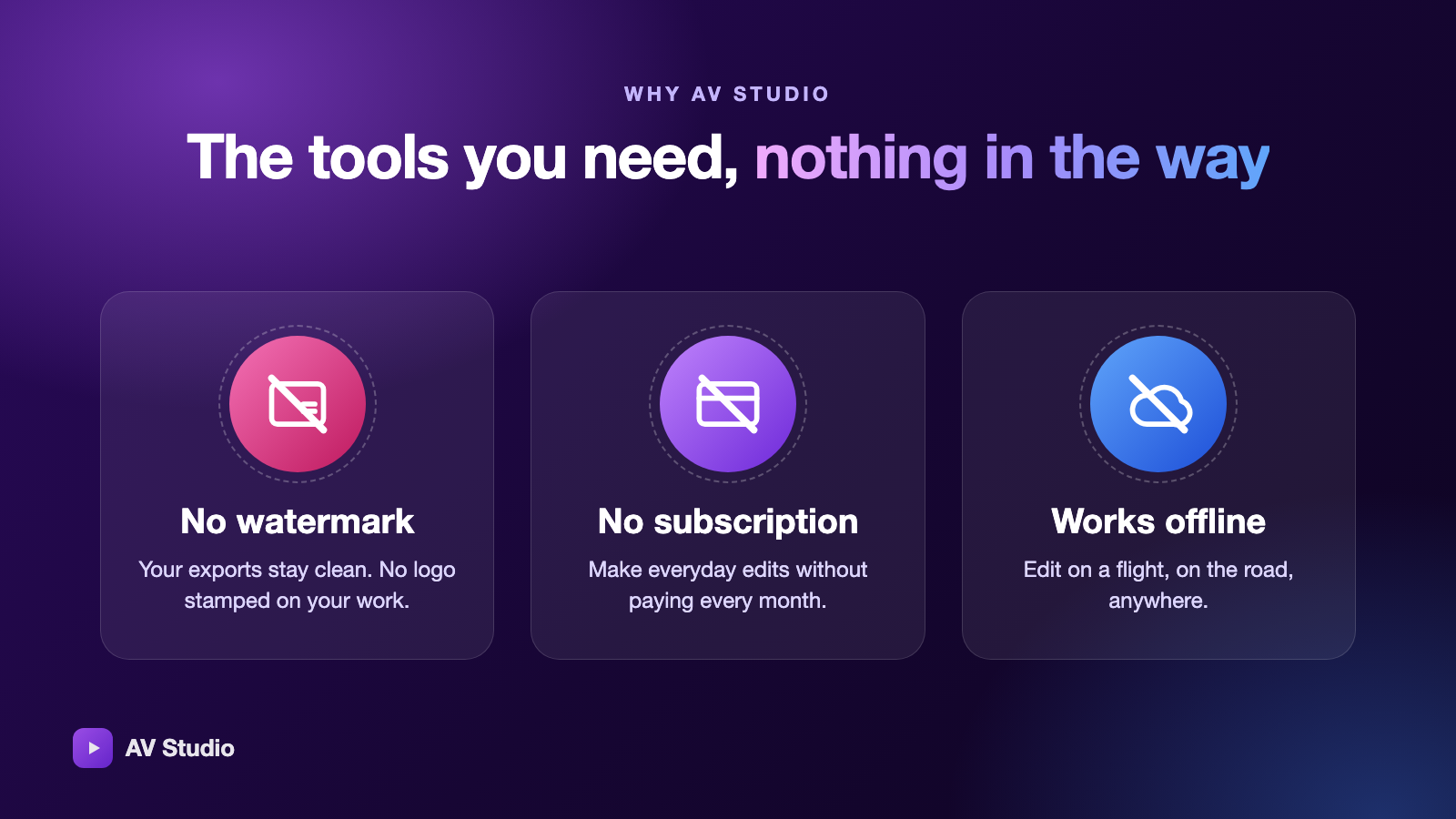
- No watermark. Your exported videos and audio are yours, with no logo stamped on them.
- No subscription. Make everyday edits without paying every month.
- Works offline. Edit on a flight, on the road or anywhere without signal.
- One app for audio and video. No more switching between a trimmer, a compressor and a converter.
Frequently asked questions
Is AV Studio free?
Yes. It’s free to download and use, with ads and optional in-app purchases.
Can I edit both audio and video?
Yes. AV Studio has tools for both, including trimming, merging and compression.
Does it work offline?
Yes. You can edit without an internet connection.
Is it available on Android and iPhone?
Yes, and on Mac too. Get it from Google Play or the App Store. Available options may vary by platform and version.
Will my videos have a watermark?
No. Everything you export is watermark-free.