YouTube content
Join recorded clips and add an existing voiceover to explain what's happening.
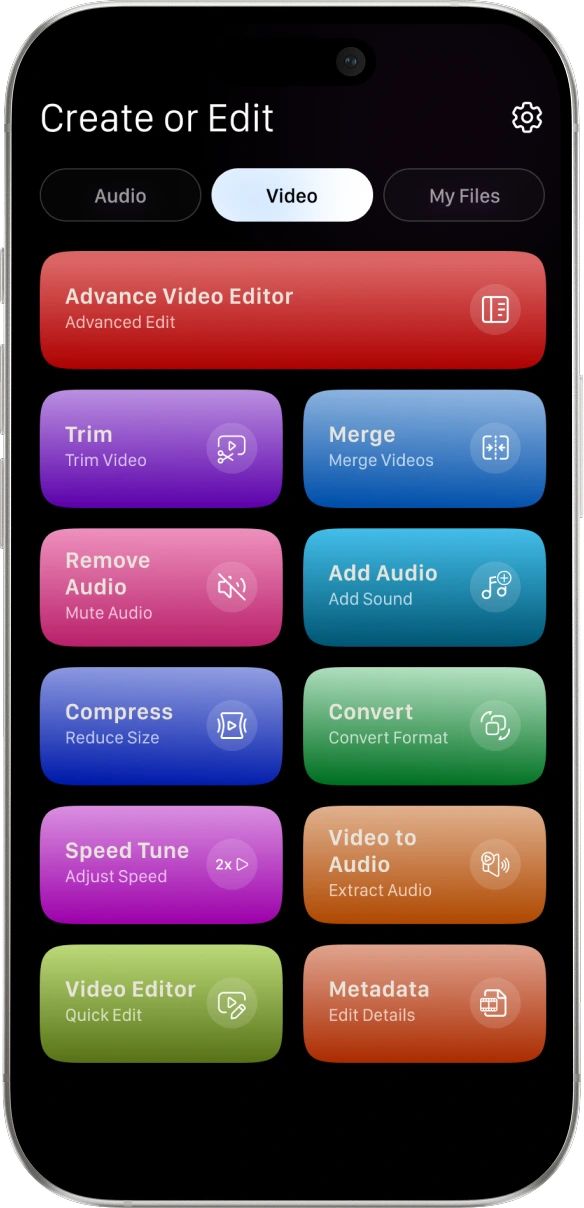
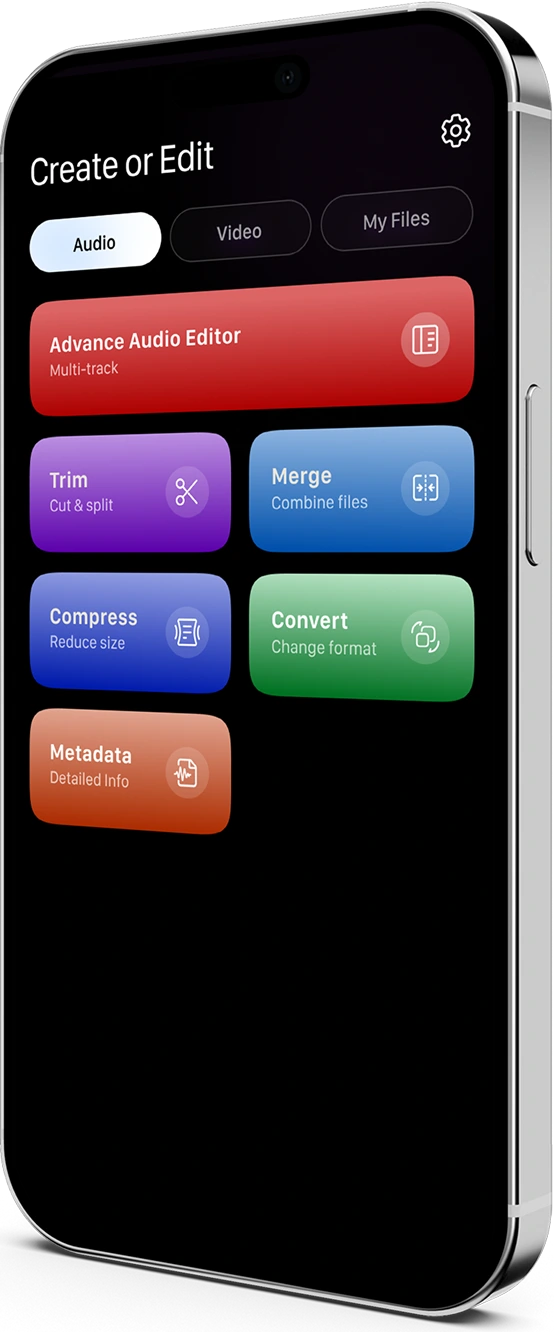
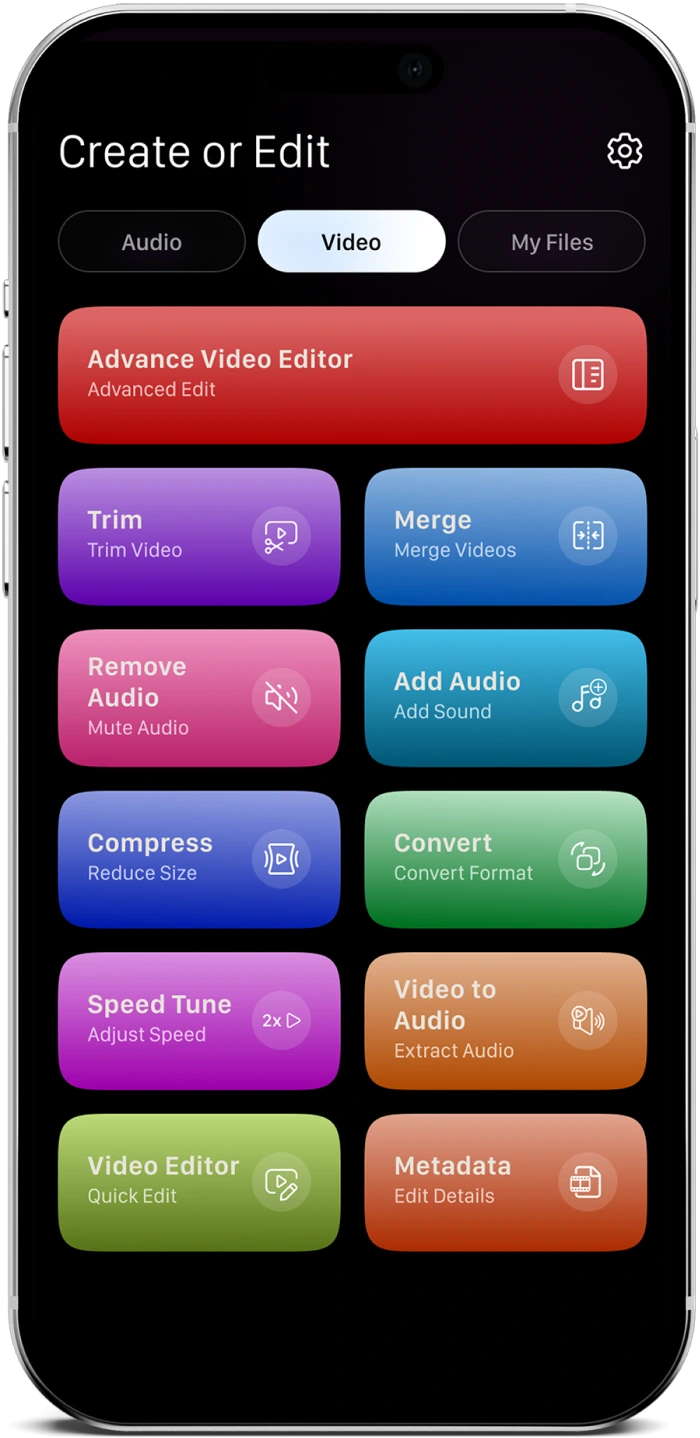
Trim, merge, and compress your audio and video. Add music, text, and finishing touches to your clips - all from your phone with AV Studio.
From a class project to a product update, small edits can help your message come through.
Join recorded clips and add an existing voiceover to explain what's happening.
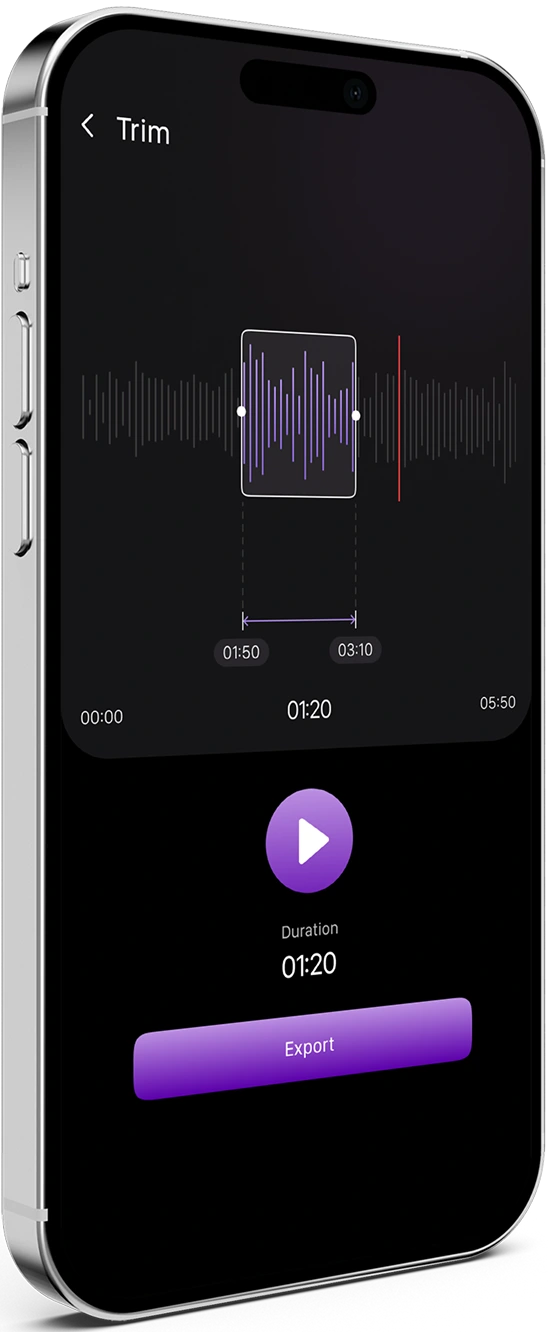
Keep favourite moments and remove footage you don't need.
Turn product clips into videos ready to share.
 Advance Audio
Editor
Advance Audio
Editor Trim
Trim Merge
Merge Compress
 Convert
 Metadata
Advance Video
Editor
Metadata
Advance Video
Editor TrimMerge
 Remove Audio
 Add Audio
 CompressConvert
 Speed Tune
Video to
AudioVideo Editor
Metadata
Speed Tune
Video to
AudioVideo Editor
Metadata
Choose your audio or video, make your changes and get your finished file ready to share.
Select the audio file or video you want to edit.
Trim, merge or add finishing touches with the tools you need.
Play it back and check the result before saving.
Access your edited file in the media library and share it.
Start with the edit you need. AV Studio brings together practical
tools
for audio, video and the
finishing touches that help your content feel complete.


Shape the sequence, choose the sound and prepare your video for sharing.
Join multiple clips into a single video instead of sharing separate files.
Remove unwanted footage and keep the moments that matter.
Change your audio or video to a supported format for your next task.
Shape the sequence, choose the sound and prepare your video for sharing.
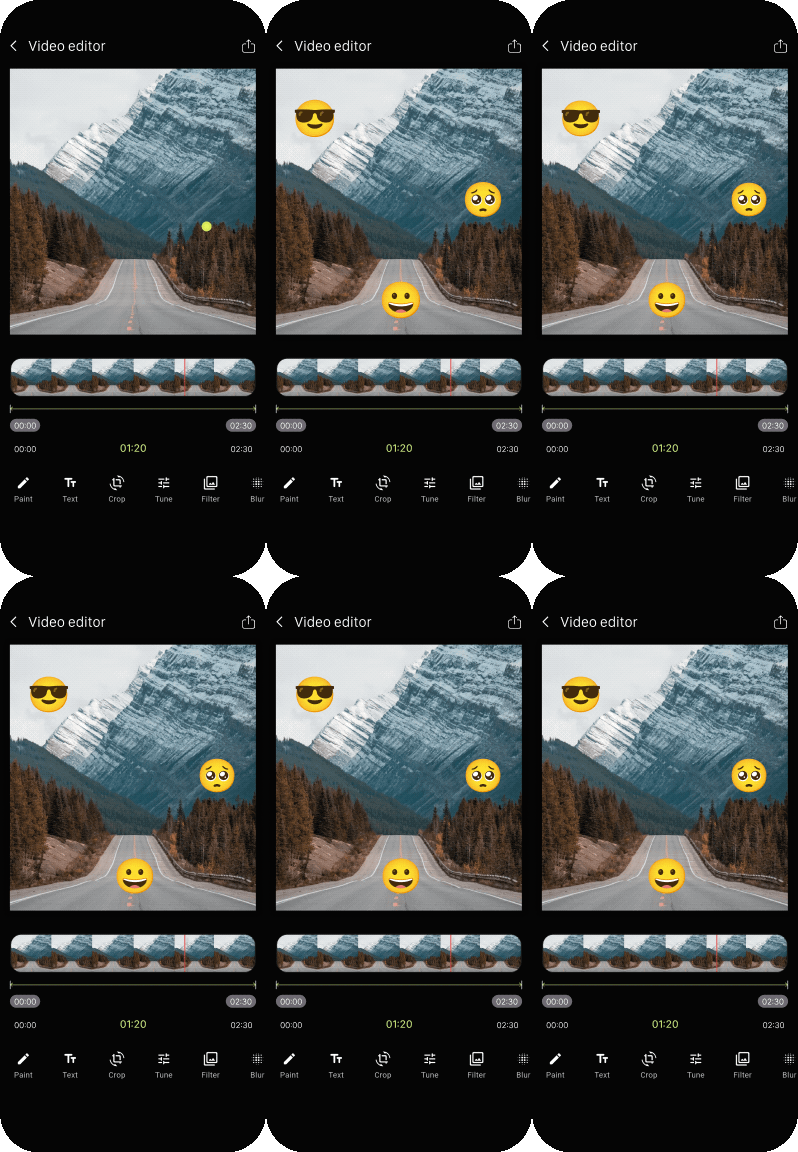
Give your videos a finishing touch with text, drawing and visual adjustments.
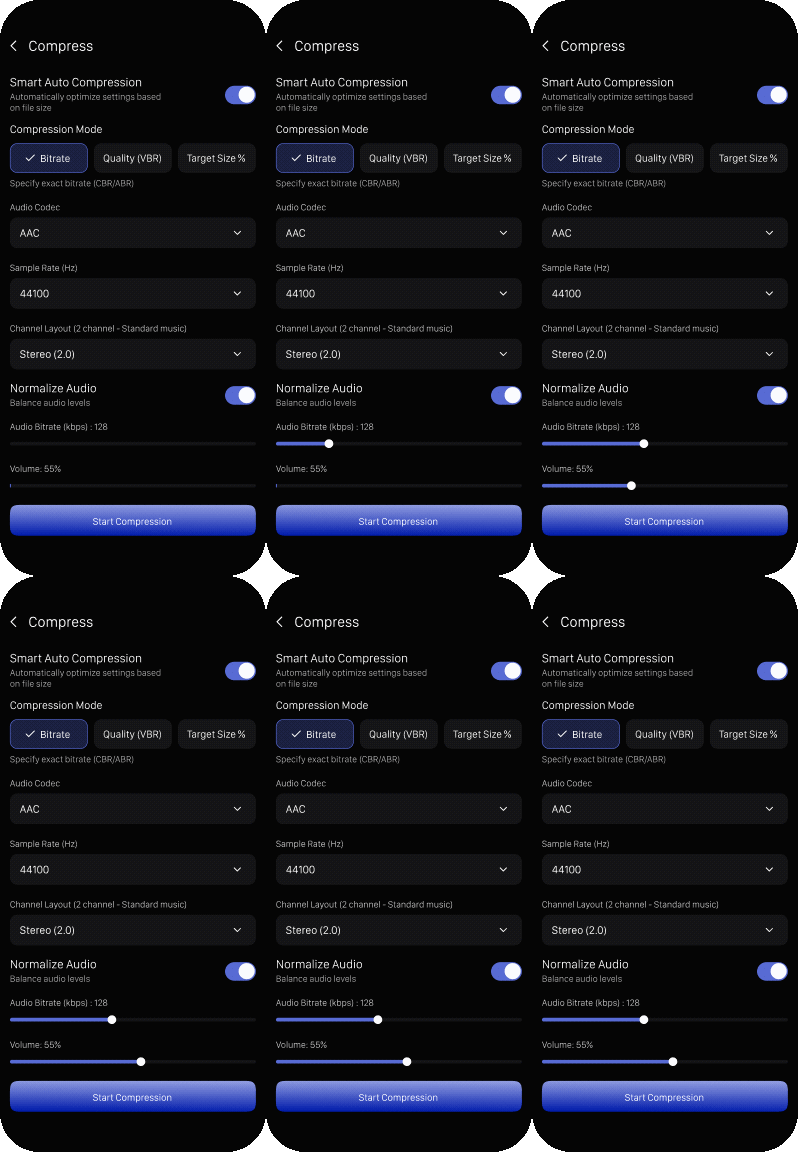
Reduce video file size when the original is difficult to store or send.
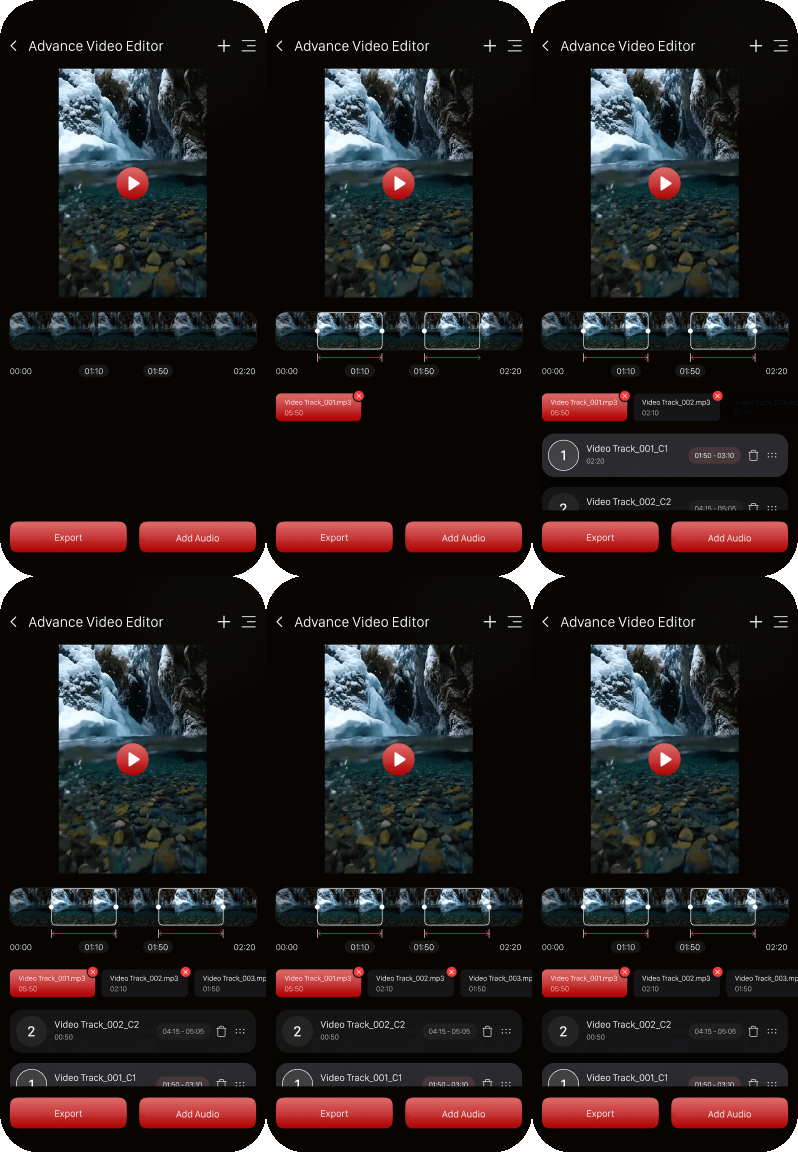
Bring video, audio, and effects together in one workspace. Make precise edits with ease.

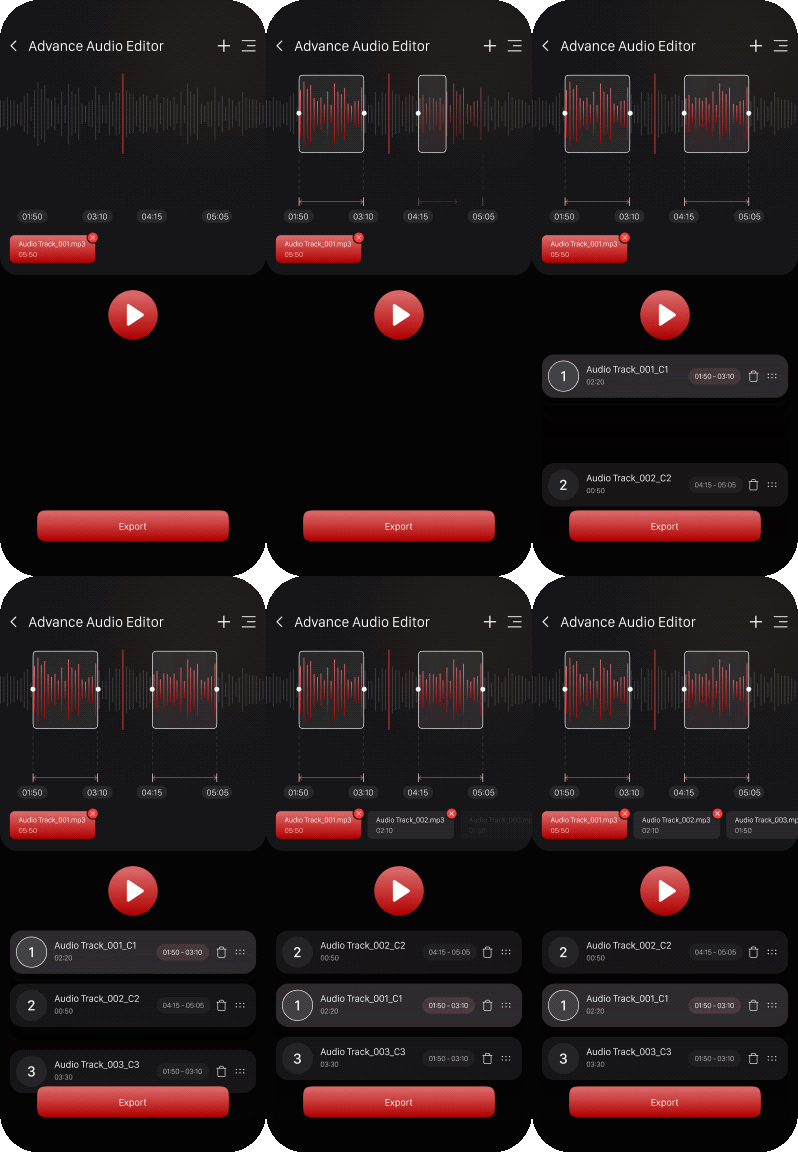
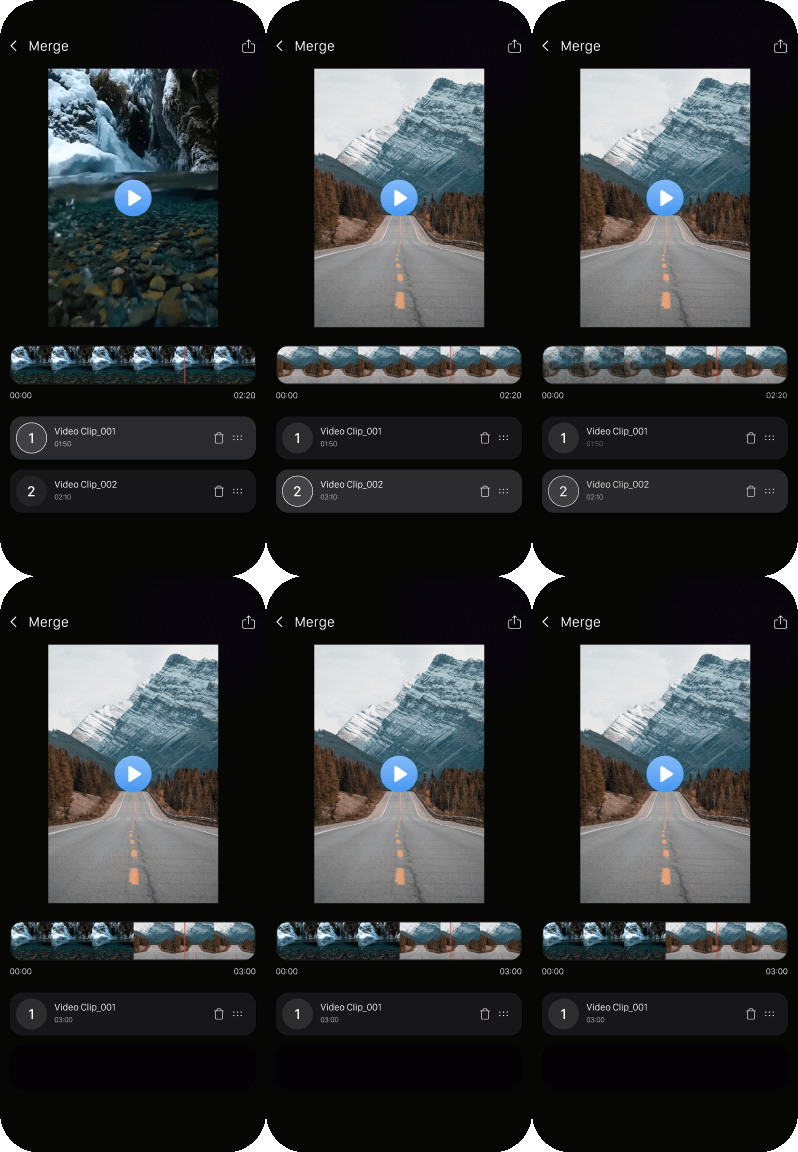
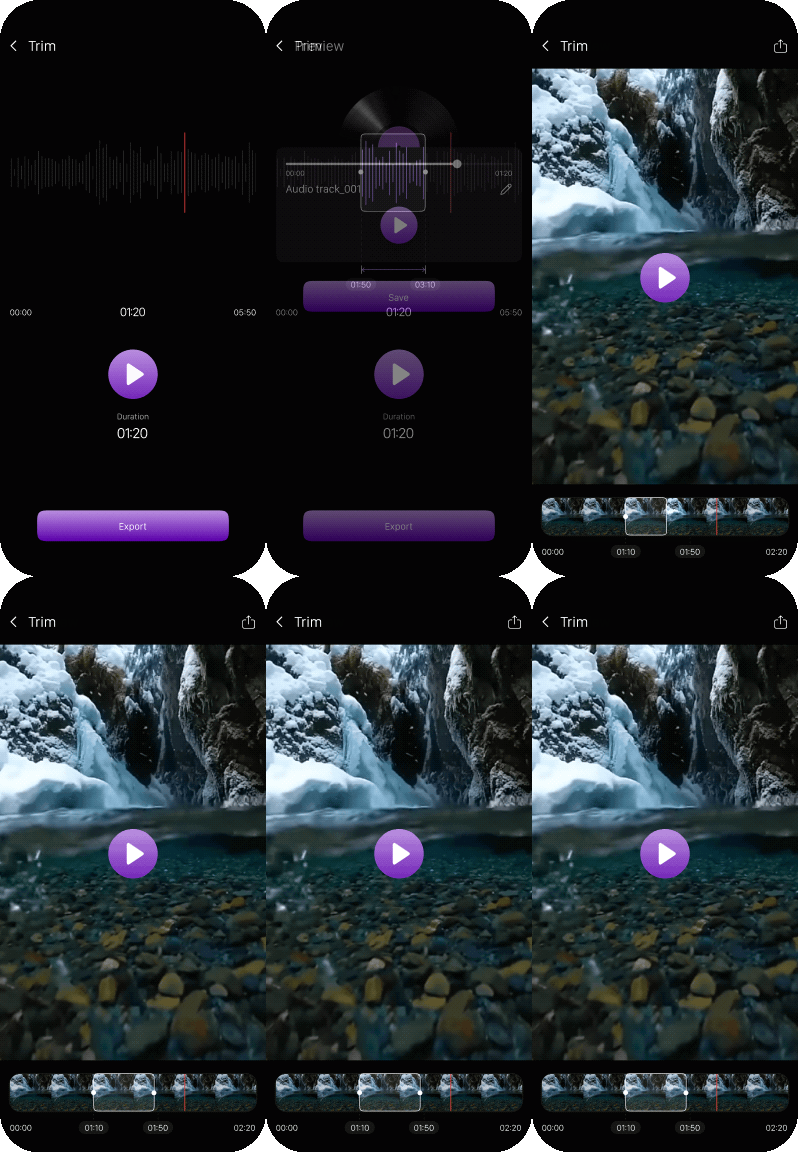
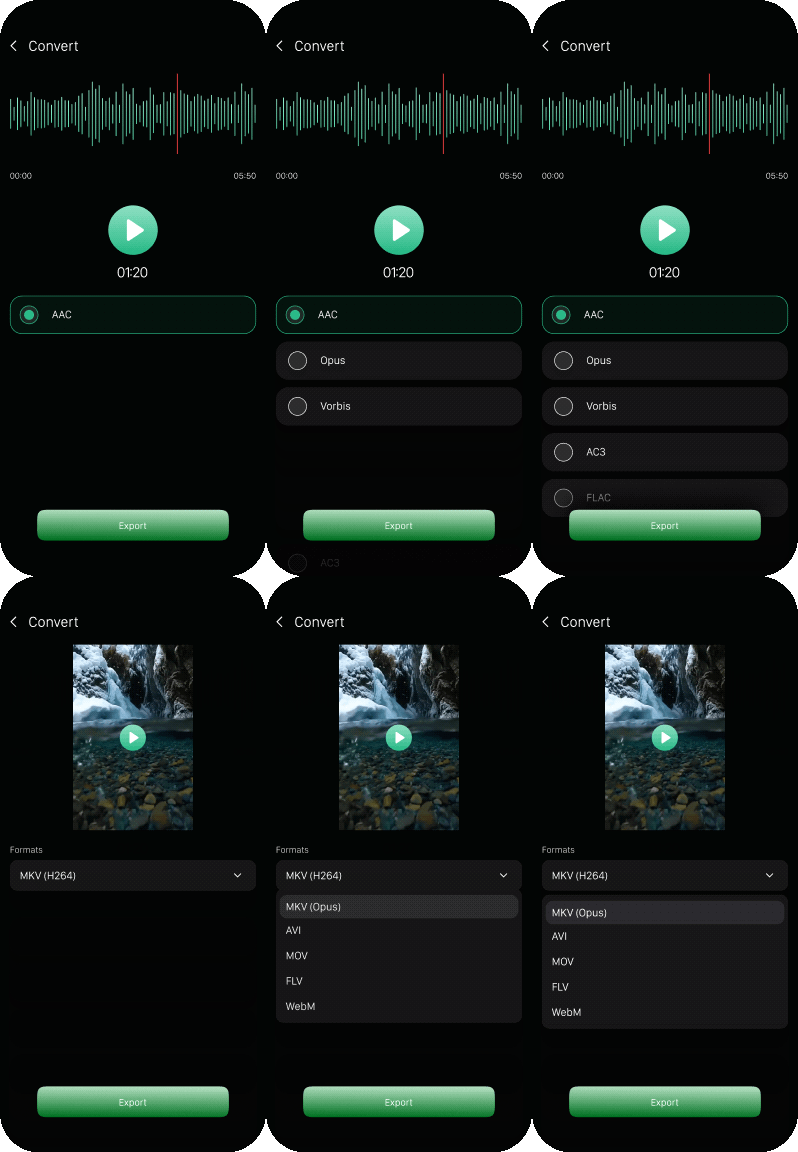
 Advance Audio Editor
Merge
Trim
Convert
Video Editor
Advance Video Editor
Compress
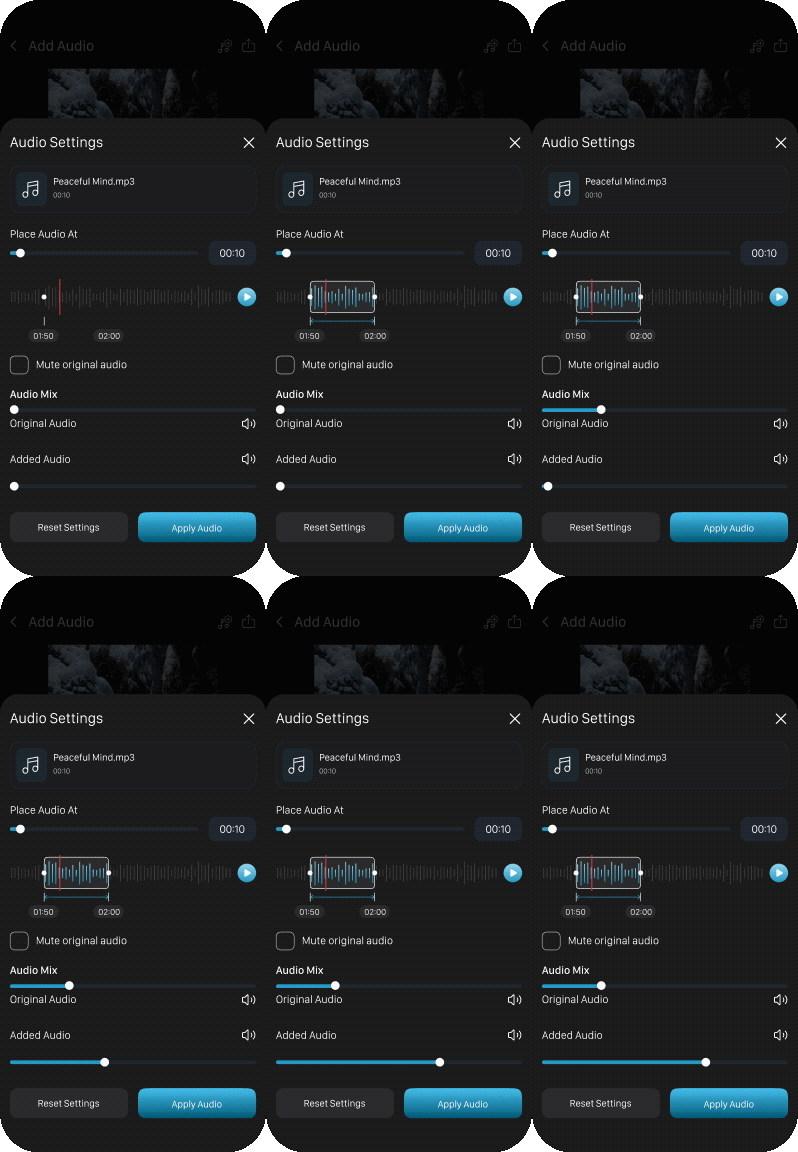
Add Audio
Video to Audio
Remove Audio
Metadata
Speed Tune
Advance Audio Editor
Merge
Trim
Convert
Video Editor
Advance Video Editor
Compress
Add Audio
Video to Audio
Remove Audio
Metadata
Speed Tune
Make a quick change or spend more time shaping your media.
AV
Studio
keeps everyday editing approachable.

Explore simple tools to shape your audio and video.

Keep your content yours, without an added watermark.

Make everyday edits without a recurring subscription.
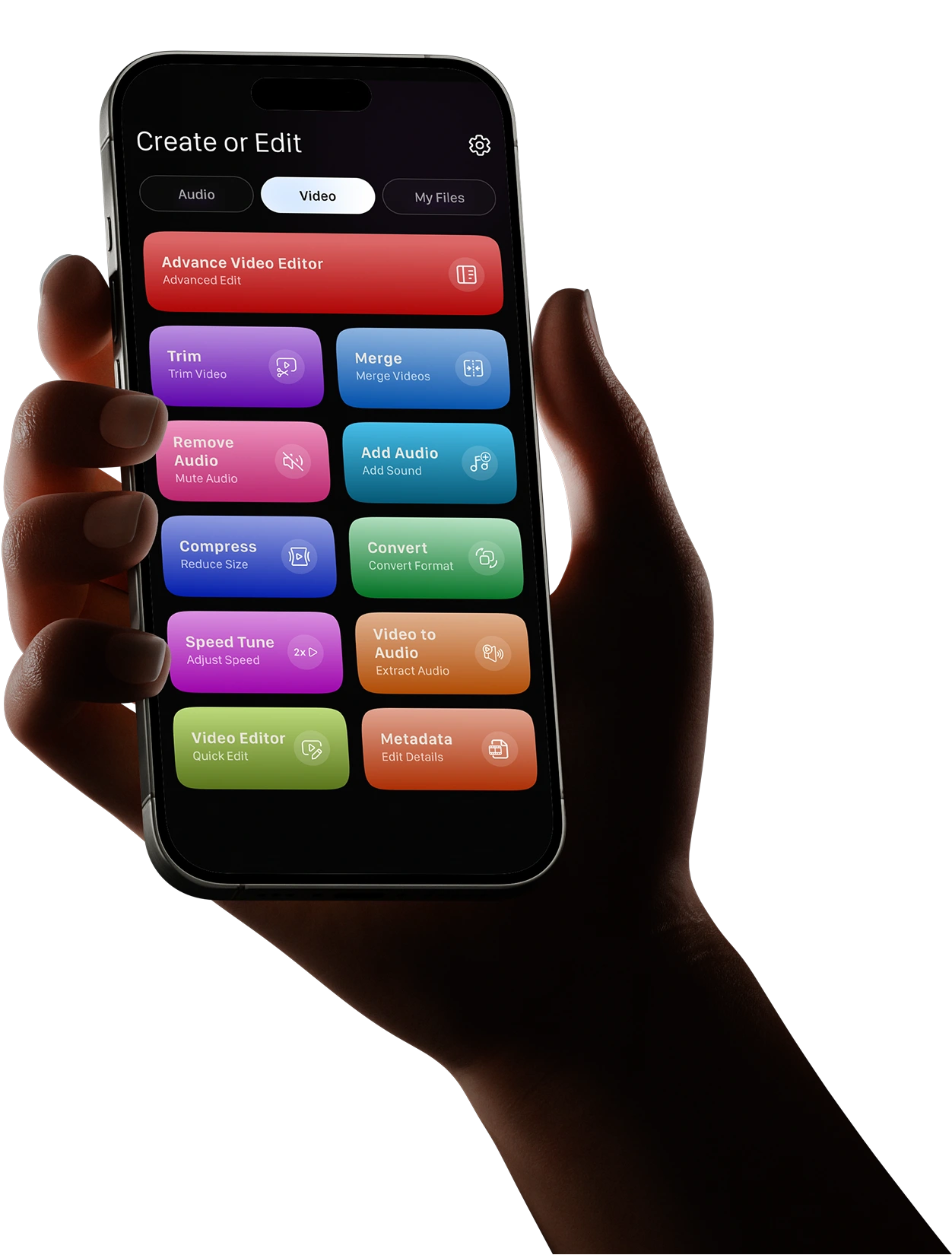
Make your video clearer. Make it yours.
A few quick answers before you get started.
Yes. It's free to download and use, with ads and in-app purchases.
Yes. AV Studio includes tools for both, including trimming, merging and compression.
Yes. AV Studio supports offline editing.
Yes. Download it from Google Play or the App Store. Available options may vary by platform and version.
No. Your exported media is watermark-free.
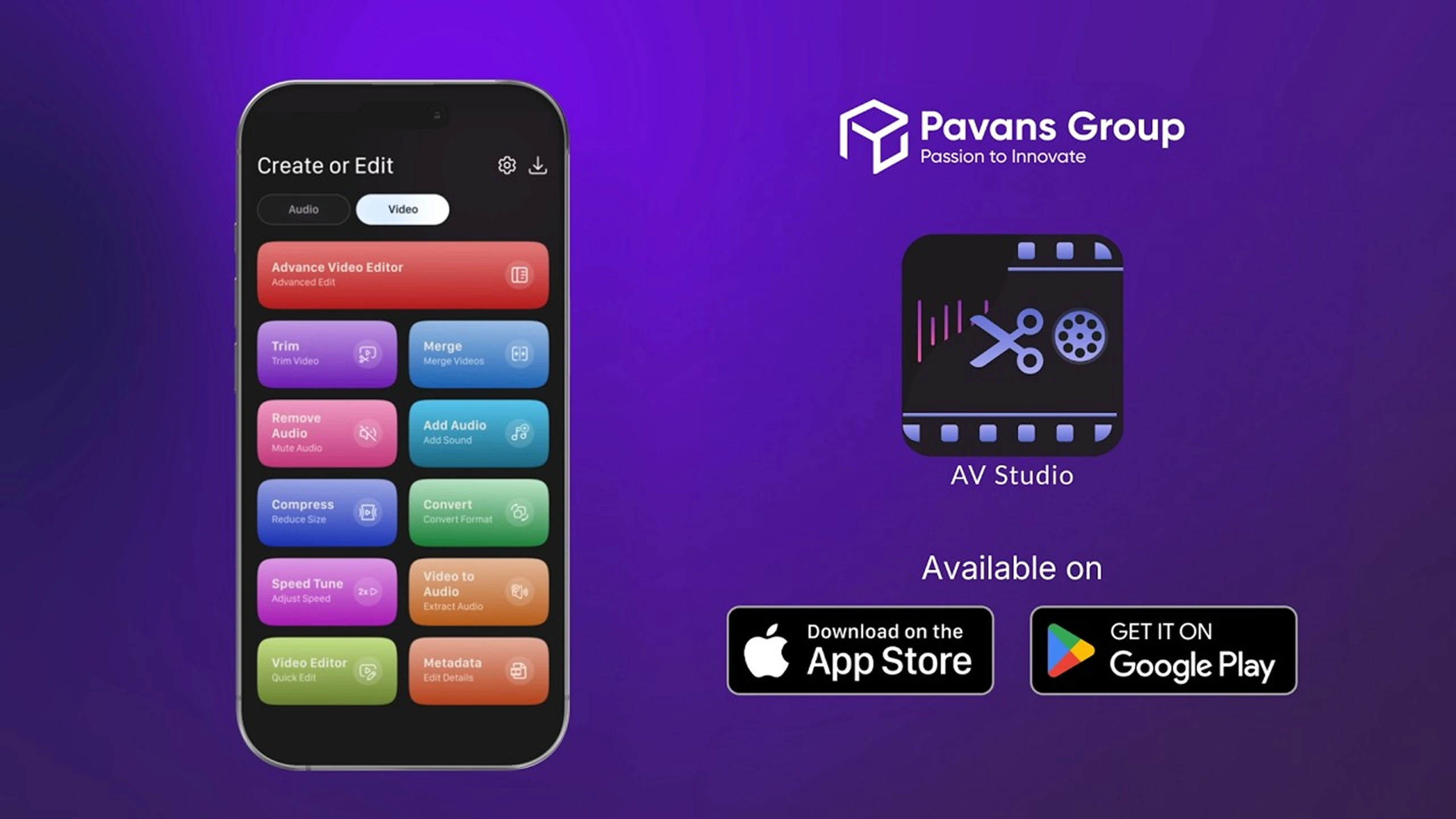
Get AV Studio on your phone and start with the change you need a shorter recording, a joined video or a new soundtrack.